No waiting time, no phone calls. Cancel your subscription directly via your account, or simply enter your email address and we'll take care of the rest.
Step-by-step plan
Enter your email address in the top right of the cancellation box. Enter your email address below in the cancellation box.
Click the ‘Cancel my subscription’ button.
Confirm your cancellation via the email you just received.
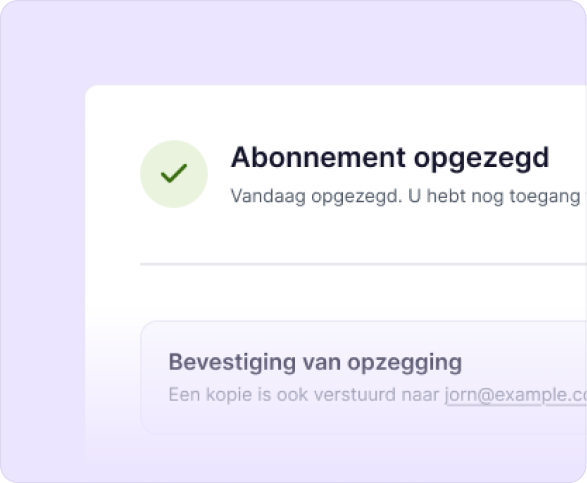
Your cancellation was successful!
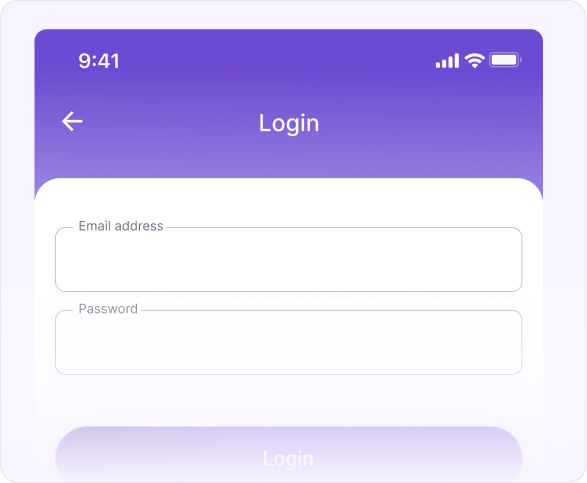
Log in to your myXpendy account with the email address you used to take out your subscription.
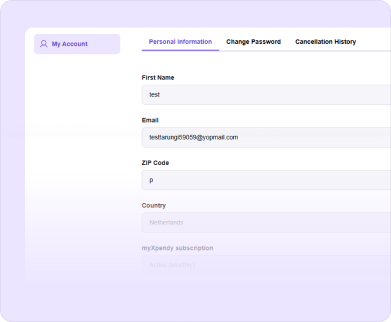
Go to ‘my account’ and under ‘personal information’ click the ‘my xpendy subscription’ button.
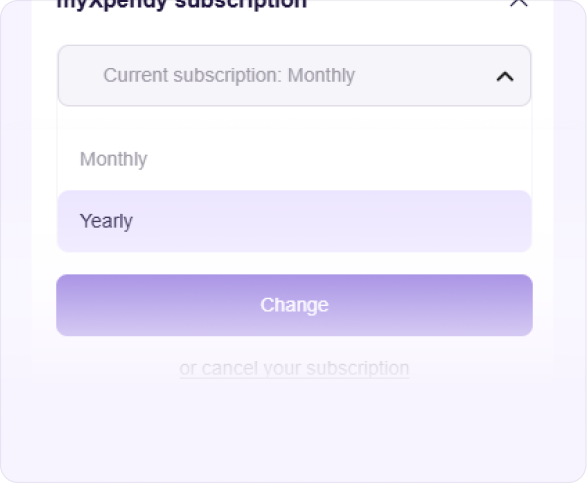
Open the menu at the bottom under ‘myXpendy subscription’ and choose ‘or cancel your subscription’.
You will receive a confirmation of your cancellation by email within a few minutes.
Do you have questions? We have the answers!
myXpendy is Xpendy's subscription service that gives you an overview of all your subscriptions and automatically cancels an unlimited number of them on your behalf, so you don't have to deal with cancellation forms or phone calls yourself. No longer wish to use myXpendy? You can cancel your subscription easily using the form above.
Enter your email address at the top of this page; this is the address you used to take out the myXpendy subscription. No password is needed. Then click ‘Cancel my subscription’: you will receive a confirmation by email immediately.
Log in to your myXpendy account and go to ‘My account’. Open the menu at the bottom under ‘myXpendy subscription’ and choose ‘Cancel your subscription’. You will receive a confirmation by email immediately.
Your cancellation is processed immediately. You will receive a confirmation by email within a few minutes, and from the next month onwards no more money will be debited from your account.
Yes. As soon as your cancellation has been processed, usually within a few minutes, you will receive a confirmation by email. Didn't receive a confirmation? Then check your spam folder or contact our customer service.